Our Location
304 North Cardinal St.
Dorchester Center, MA 02124
Discover flexible VPS hosting for websites, applications, development environments, and online projects. Compare server resources, explore supported operating systems, and choose a configuration that fits your technical requirements with RommyVPS.
Compare available server configurations, resource allocations, and supported options to find the right fit for your project.
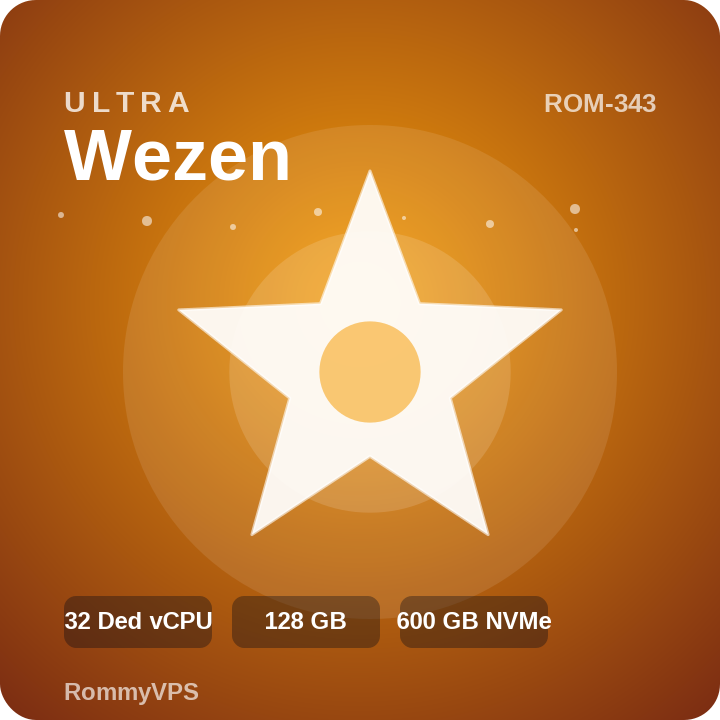
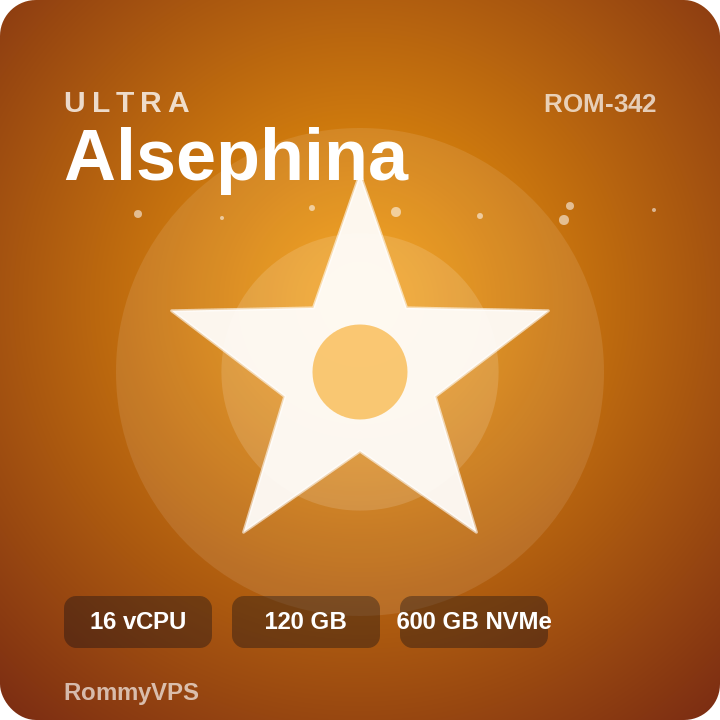
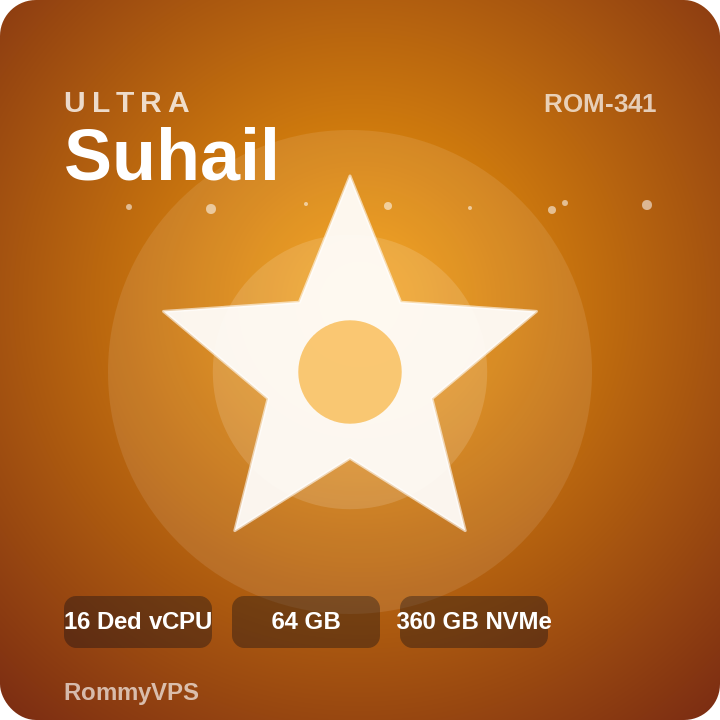
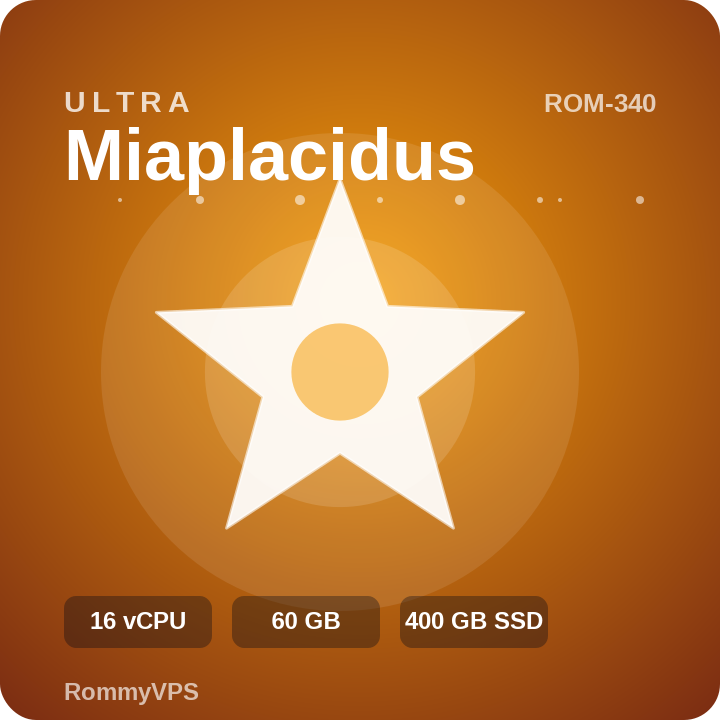
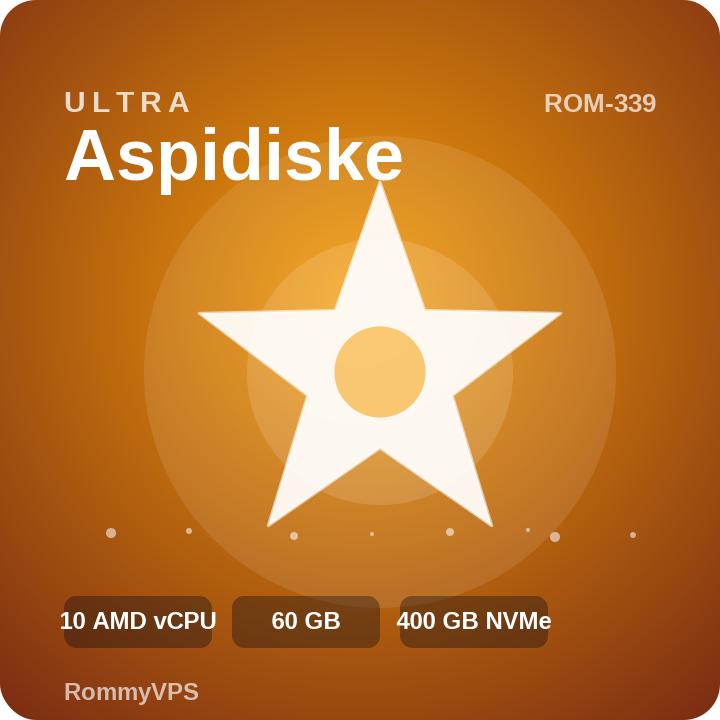
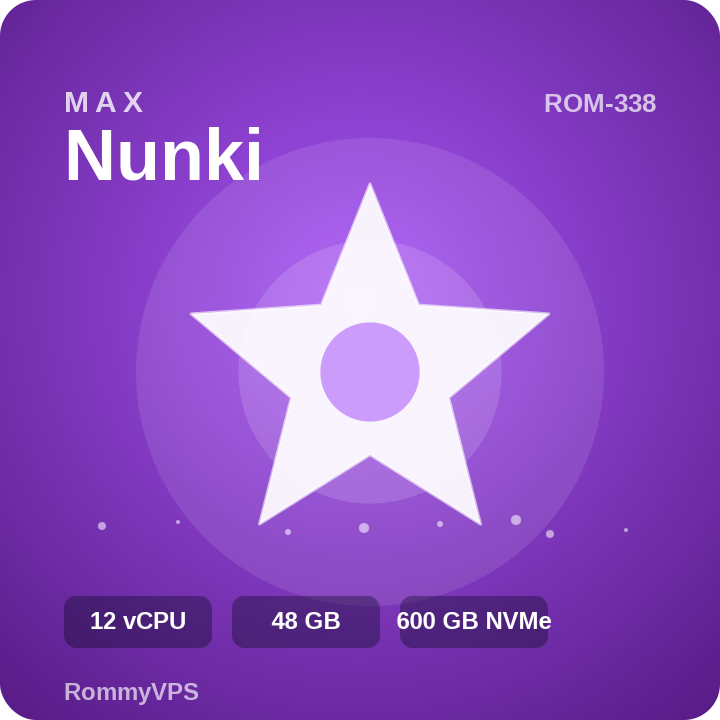
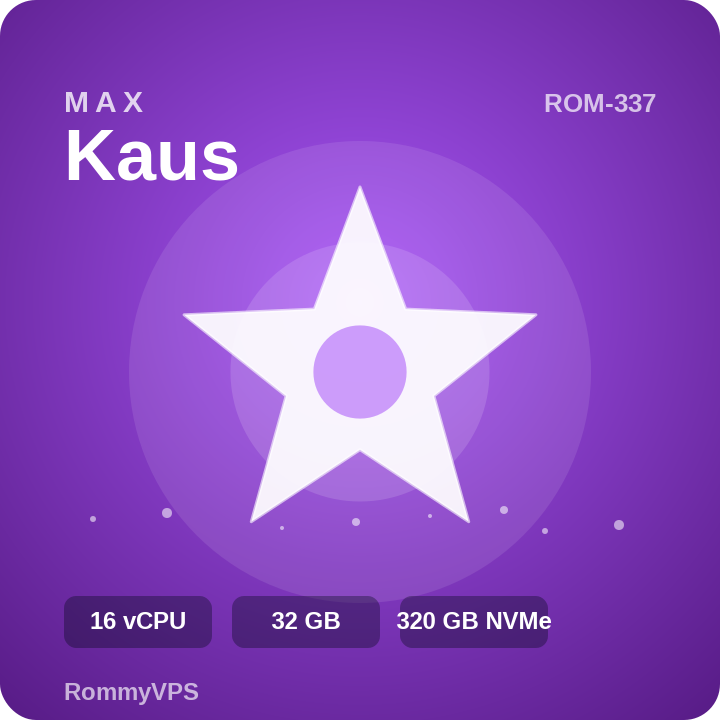
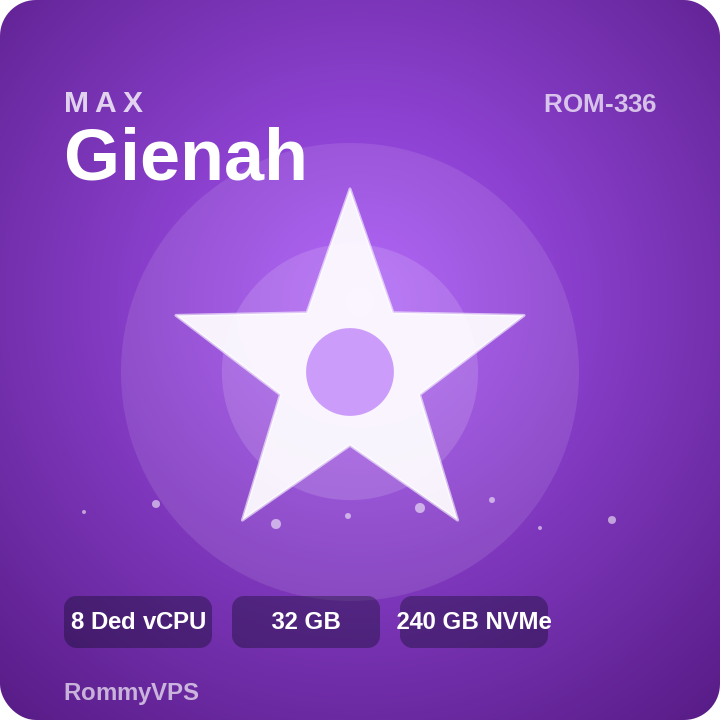
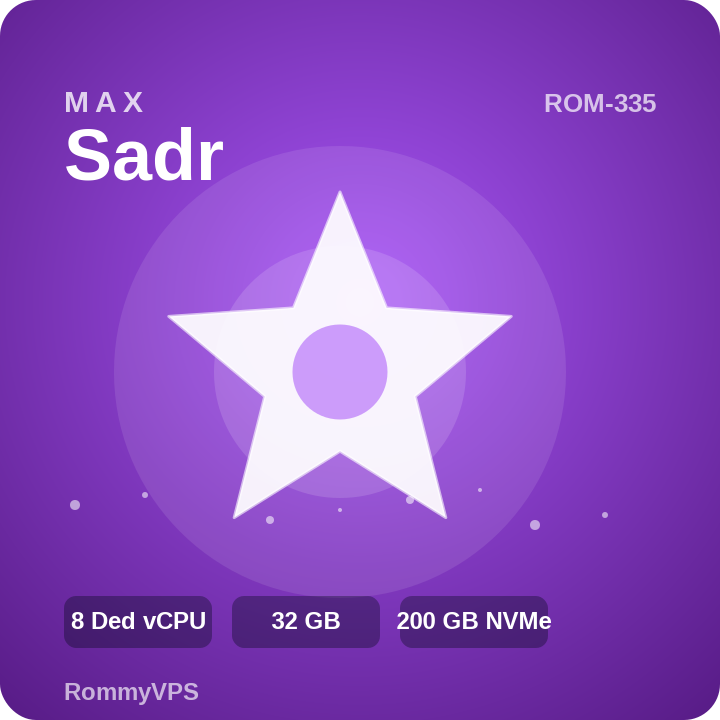
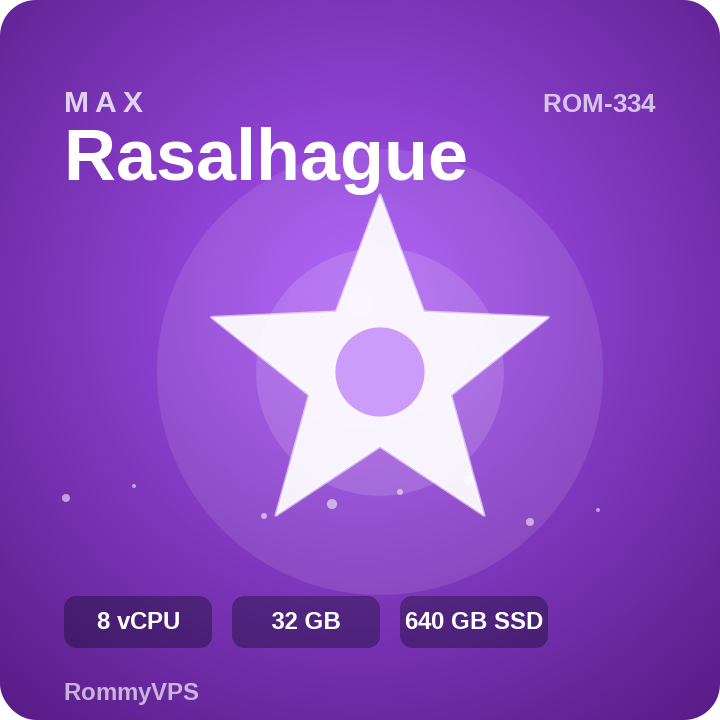
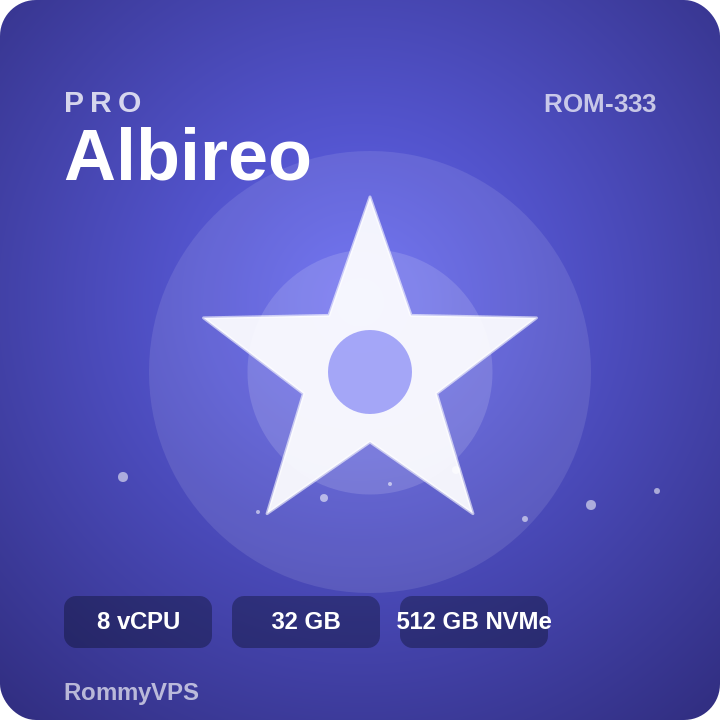
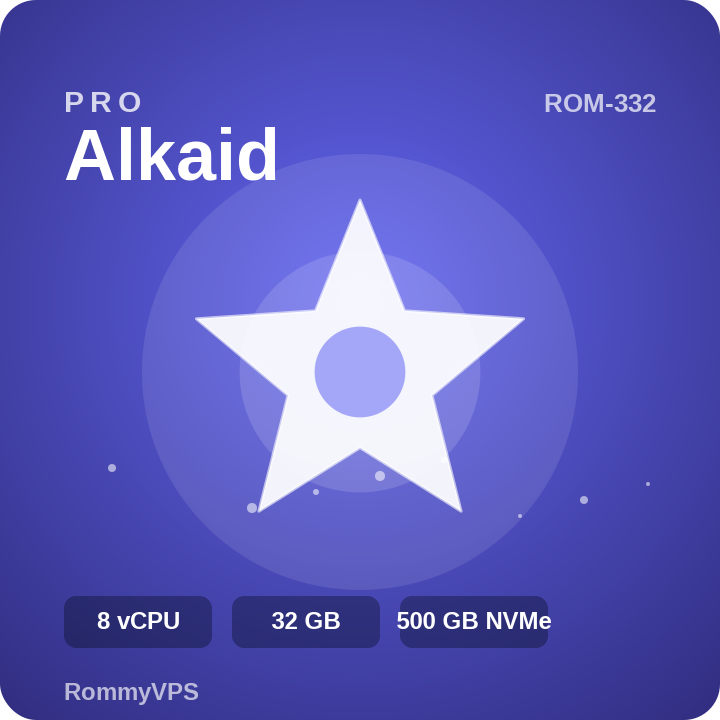
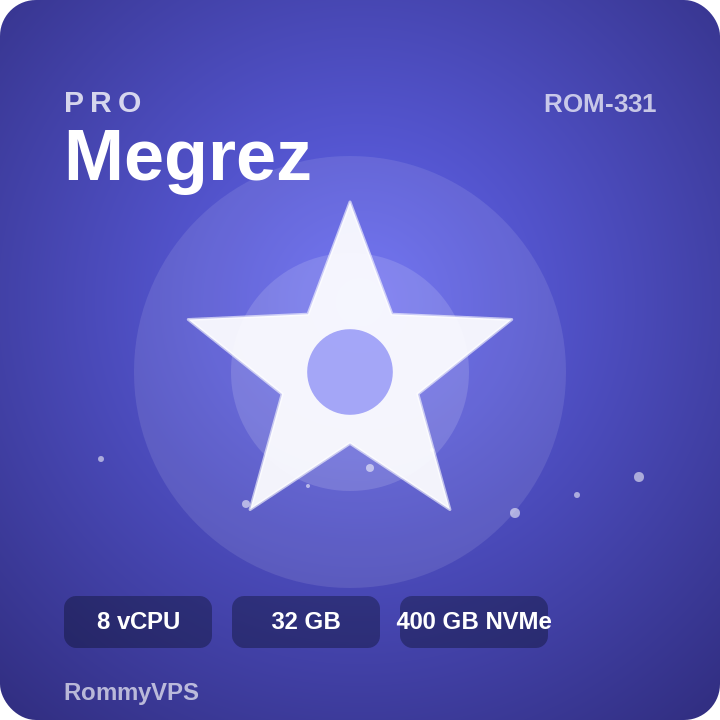
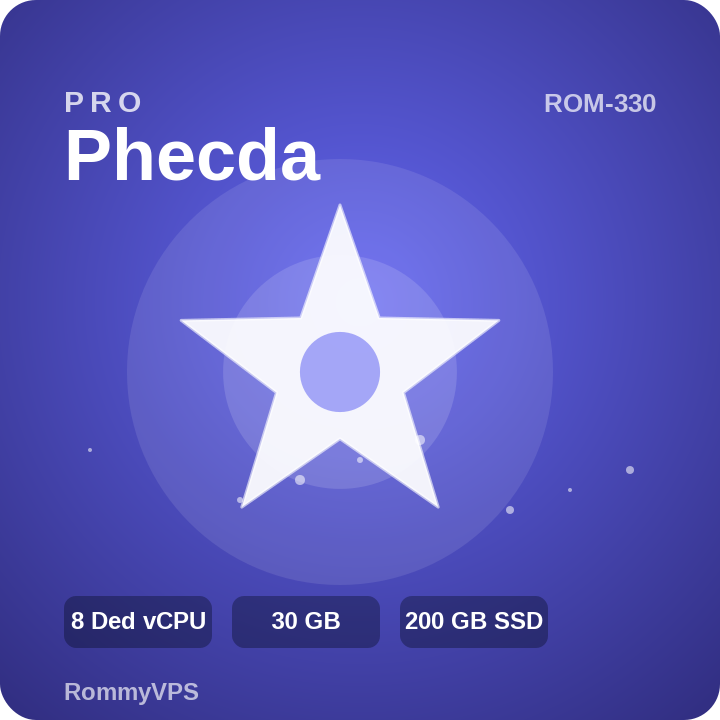
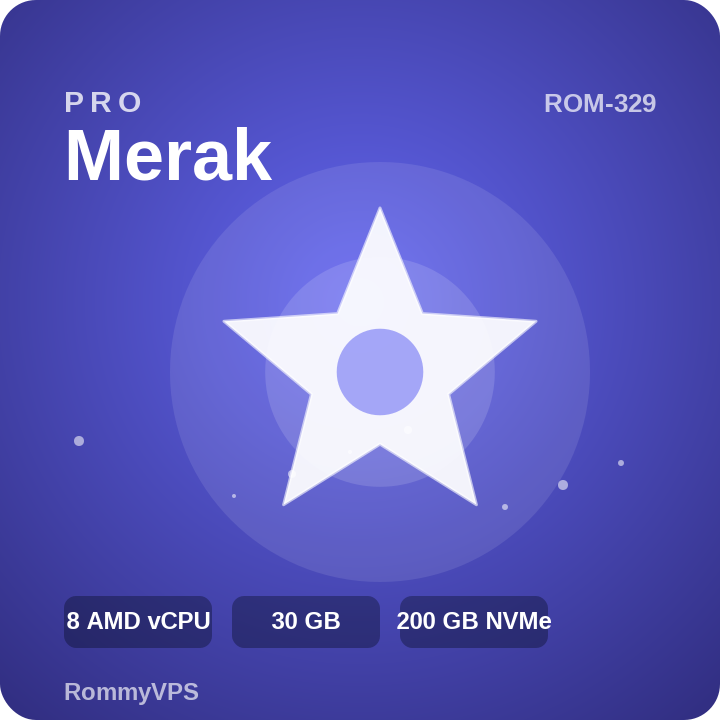
Plan categories are illustrative. Actual specifications, prices, billing cycles, features, IP allocation, operating systems, locations, and support depend on each product listing. Verify all details before checkout.
Choose your VPS with confidence by comparing the resources, operating system options, and service details relevant to your project.
Compare CPU, memory, storage, and bandwidth allocations to find a configuration suited to your workload.
Explore supported operating systems and administrative access options according to your selected plan.
Review resources, billing terms, included features, and service conditions before purchasing.
Host websites, develop applications, run test environments, and support other permitted workloads.
Check available Linux distributions or Windows configurations and any applicable licensing requirements.
Use the available support channel for questions about orders, specifications, and supported configurations.
Explore the key features to consider when choosing a virtual private server.
Compare processing resources and RAM allocation for your application.
Review available storage capacity, type, and applicable limits.
Manage your environment where root or administrator access is provided.
Choose from the operating systems listed for each VPS product.
Check traffic allowances, network specifications, and usage limits.
Review available server locations before selecting your configuration.
Run compatible software and permitted workloads within your plan limits.
Review the product specifications, price, and terms before ordering.
Compare available resources, operating systems, server locations, and billing terms.
Review your order summary and service policies, then pay through an available checkout method.
Follow the provisioning information and setup instructions provided for your selected service.
Start with your workload, compare available configurations, and choose a server based on the requirements that matter to you.
Match your expected traffic and software requirements with the CPU, memory, storage, and bandwidth listed in your chosen VPS plan.
Review supported operating systems and administrative access options before building your preferred software environment.
Check resource limits, billing terms, included features, and available upgrade options before placing your order.
These are illustrative use-case statements, not verified customer reviews or testimonials.
Find answers to common questions before choosing your RommyVPS configuration.
A virtual private server is a virtualized server environment with allocated computing resources. It provides control over the operating system and software environment, subject to the selected plan and provider limitations.
Consider CPU usage, memory requirements, storage, expected traffic, and software compatibility. Compare available configurations and choose a plan that fits your current workload.
Operating systems vary by product. Check each listing for supported Linux distributions or Windows Server options, including applicable licensing requirements.
Administrative access depends on the selected product. Review its description to confirm whether root or administrator access is provided and what restrictions apply.
Bandwidth allowances and storage capacity vary by plan. Refer to the product specifications for included limits, storage type, and applicable usage conditions.
Provisioning time depends on the selected product, payment verification, and service availability. Refer to the listing or order instructions for relevant details.
Follow the delivery instructions associated with your order. Store credentials securely and contact support through the available channel if you need assistance.
Upgrade availability depends on the product and provider policies. Contact support or review available options to confirm whether a different configuration can be purchased.
Available payment methods are displayed at checkout and may vary by location or transaction. All payments are subject to the applicable payment provider's terms and verification requirements.
Refund eligibility, cancellation procedures, and applicable time limits are governed by the published Refund Policy and Terms of Service. Review these policies before purchasing.
Use your VPS for lawful activities that comply with the service terms and applicable laws. Abusive traffic, unauthorized access, malware distribution, and other prohibited activities are not permitted.
Compare available VPS configurations, review the specifications, and choose a server environment that aligns with your project and budget.